A professional illustration depicting secure login practices for Goa Games.

Secure Your Goa Games Login

Securing your Goa Games login is essential to maintaining the safety of your account and personal data.

This guide provides comprehensive steps and best practices to help you secure your login effectively.

Brand Icon

Secure your Goa Games login today to enhance your account protection.

System Info

Brief
Enable two-factor authentication for an added layer of security.
Use strong, unique passwords for your Goa Games account.
Regularly update your password and security settings.

Why Trust Our Approach

  • Comprehensive guidelines for securing your account.
  • Dedicated support available for troubleshooting.
  • Commitment to user safety and data protection.

Detailed Sections

Icon representing security for Goa Games login.

Understanding Secure Login

Secure login refers to the protocols and practices that ensure only authorized users can access their accounts.

Utilizing secure login methods helps protect your personal information and enhances your overall gaming experience.

  • Importance of secure passwords and account protection.
  • Role of two-factor authentication in enhancing security.
  • Awareness of phishing and social engineering tactics.
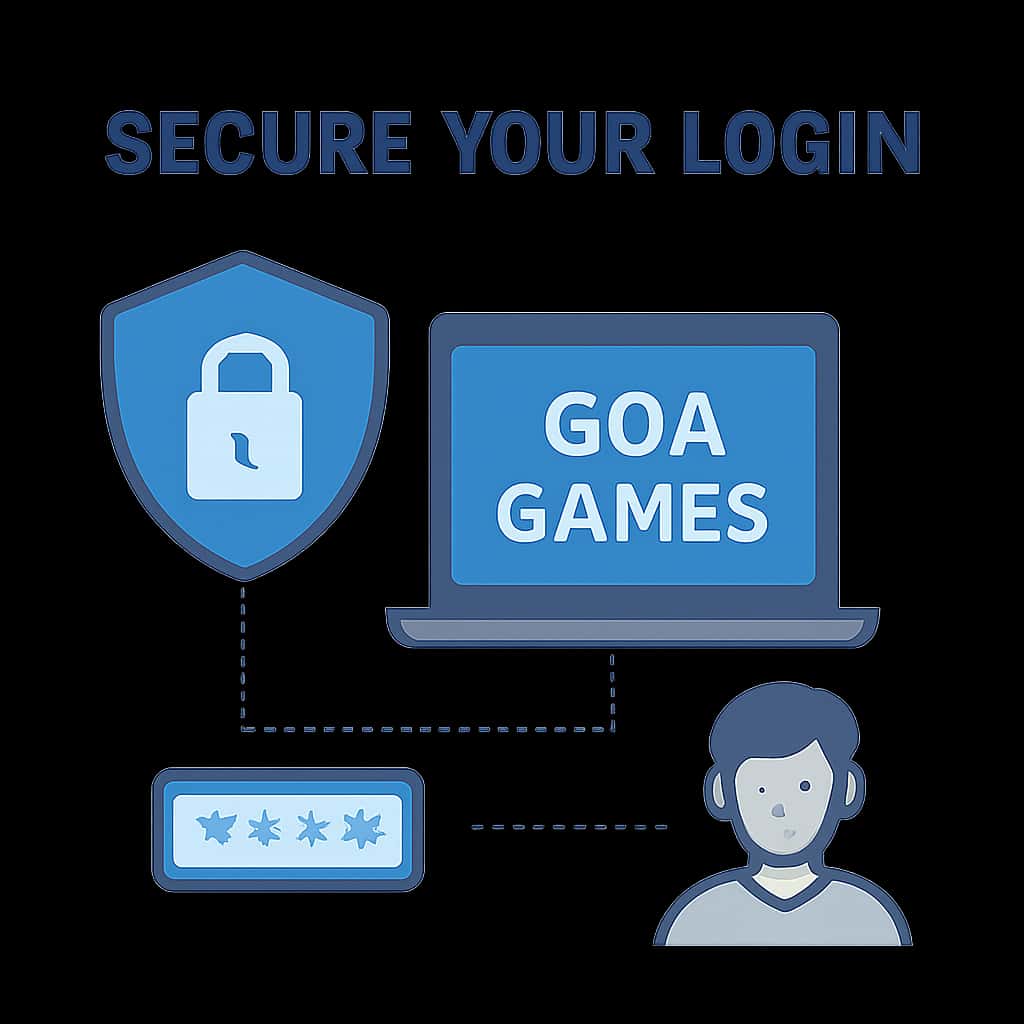
Diagram illustrating secure login steps for Goa Games.

Steps to Secure Your Goa Games Login

To ensure your Goa Games account is secure, follow these essential steps:

Implementing these practices will greatly reduce the risk of unauthorized access.

  • Create a strong, unique password.
  • Enable two-factor authentication via your account settings.
  • Regularly update your password and review security settings.
  • Be vigilant against phishing attacks and suspicious communications.
  • Use secure internet connections when logging in.

Common Login Issues and Resolutions

Users may experience various login-related issues, often due to security settings or forgotten credentials.

Understanding these problems can help streamline your troubleshooting process.

  • Forgetting your password: Use the password recovery option.
  • Locked accounts after multiple failed login attempts: Follow the recovery steps.
  • Two-factor authentication errors: Ensure your authentication app is up to date.

Utilizing Goa Games Support Resources

Goa Games provides several support channels to assist users facing login and account security issues.

These resources can help you navigate challenges effectively.

  • Access the help center for troubleshooting guides.
  • Contact Goa Games support for personalized assistance.
  • Review the FAQs for common login-related inquiries.

Securing Your Goa Games Account

1

Create a Strong Password

Choose a password that is at least 12 characters long, mixing letters, numbers, and symbols.

2

Enable Two-Factor Authentication

Set up two-factor authentication for an added layer of security.

3

Regularly Check Account Settings

Review your account security settings every few months.

4

Stay Informed of Security Updates

Keep up with any updates or changes in Goa Games security protocols.

Common Issues

Password Recovery Issues

Users may not receive recovery emails if their accounts are compromised.

  • Check your spam or junk folder for recovery emails.
  • Ensure your email address associated with the account is correct.

Two-Factor Authentication Not Working

This may happen due to outdated authentication apps or connectivity issues.

  • Update your authentication app.
  • Ensure you have a stable internet connection.

Frequently Asked Questions

Two-factor authentication adds an extra layer of security by requiring two forms of verification.
It's recommended to change your password every 3 to 6 months.
Immediately change your password and enable two-factor authentication.
Yes, you can use the password recovery feature to reset your password.